What a Trader Terminal Actually Does Beyond Opening Trades
People often imagine a trading screen as something simple. Open the platform, look at a chart, press a button, and a trade happens. That is usually the picture many beginners create before seeing a real trading environment for the first time.
Then they open a platform and immediately realise there is much more happening.
Price lists are changing every second. Multiple charts appear at once. Different windows contain market information, trade details, and analysis tools. Instead of looking simple, everything can suddenly feel crowded.
For many beginners, this creates an immediate question:
“Do I actually need all of this?”
The answer often surprises people.
Many traders eventually discover that a trader terminal is not simply designed for opening and closing positions. It gradually becomes a workspace where information is organised and where daily routines begin developing.
Looking at a Trader Terminal as a Workspace
Many people think of a trading platform as a tool.
Experienced traders often start viewing it differently.
They often see it as a place where they spend time each day, similar to a desk or working environment. Once people start seeing it that way, the importance of organisation becomes easier to understand.
A trader may use the same environment to:
- Review charts before market activity increases
- Monitor open positions
- Organise watchlists
- Observe market behaviour
- Record observations
Over time, these activities can become repeated parts of a daily process.
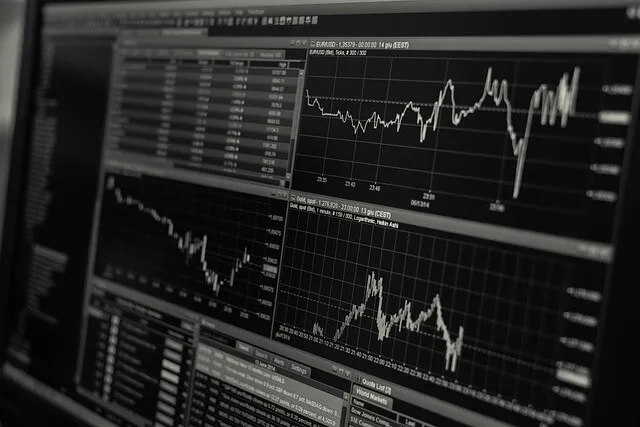
Image Source: Pixabay
Why Too Much Information Can Become a Problem
One thing beginners commonly do is add more and more things onto the screen.
The thinking usually sounds logical.
More indicators should mean more information.
More information should create better decisions.
Then something unexpected starts happening.
Charts become difficult to read.
Important information becomes harder to notice.
The screen starts feeling busy rather than useful.
Many traders later realise that understanding does not always improve by adding more things.
Sometimes removing unnecessary information creates a clearer picture.
Small Adjustments Often Make Daily Use Easier
Many people expect major changes to create better experiences.
Sometimes smaller adjustments quietly make the biggest difference.
Examples may include:
- Rearranging windows
- Saving chart templates
- Organising commonly used charts
- Keeping important tools visible
- Creating cleaner layouts
These actions do not look dramatic.
However, repeated use often makes the environment feel smoother and more comfortable.
Familiarity Usually Changes the Experience
The first day with a trading platform often feels very different from the twentieth day.
During the beginning, people search for buttons and wonder where things are located.
Later, those actions often become automatic.
Navigation becomes easier.
Charts stop feeling crowded.
Simple tasks require less attention.
The platform itself has not changed.
The person using it has simply become more familiar with it.
Understanding Often Arrives Through Repetition
Many beginners expect confidence to appear quickly.
In reality, confidence often grows through repeated exposure and repeated use.
In the end, a trader terminal usually becomes much more than a place used for placing trades. Over time it often turns into a personal workspace where information, routines, and market observations gradually come together in a way that feels organised and familiar.